Simply Flux
Modular synthesis, co-patched with AI.
A modular synthesizer — patch cables, one knob per parameter, everything modulates everything — on a canvas you can read. And an assistant that can patch alongside you.
See it played
Chris built it, and demos it live — the cables, the knobs, the canvas, and the assistant patching alongside — in this stream:
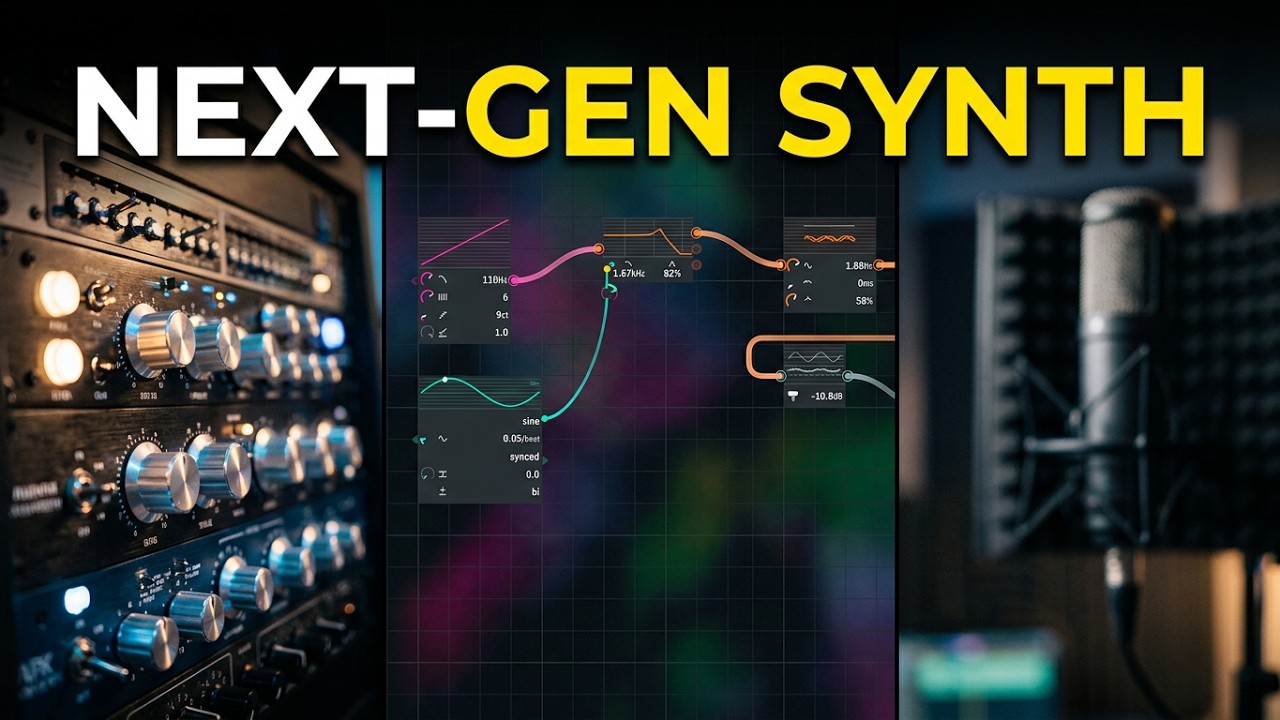 I Built a Modular Synthesizer from Scratch — the live demo · YouTube
A modular synthesizer
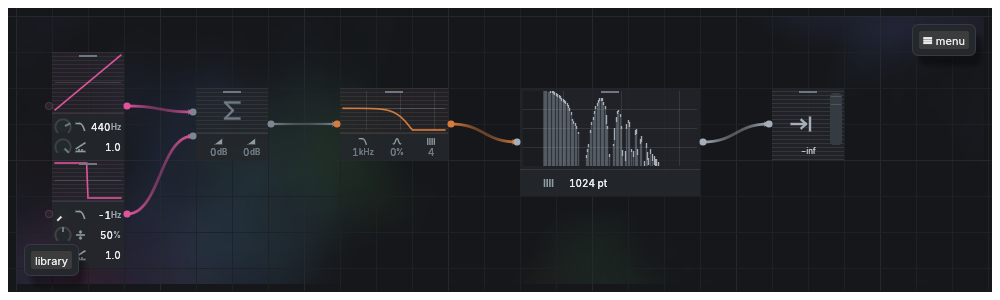
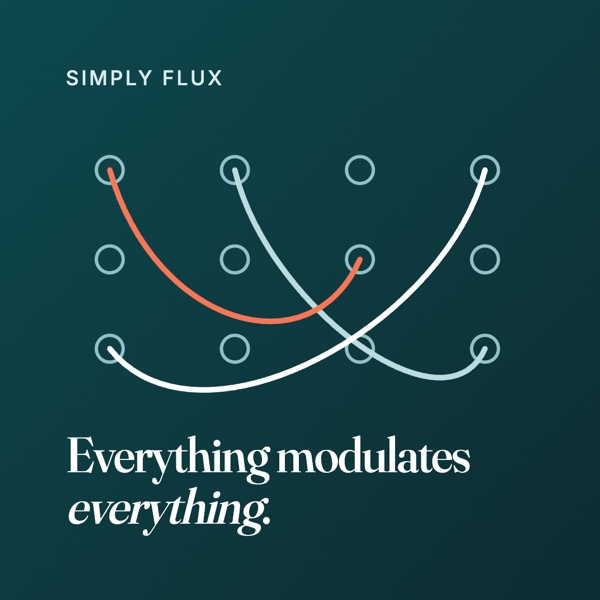
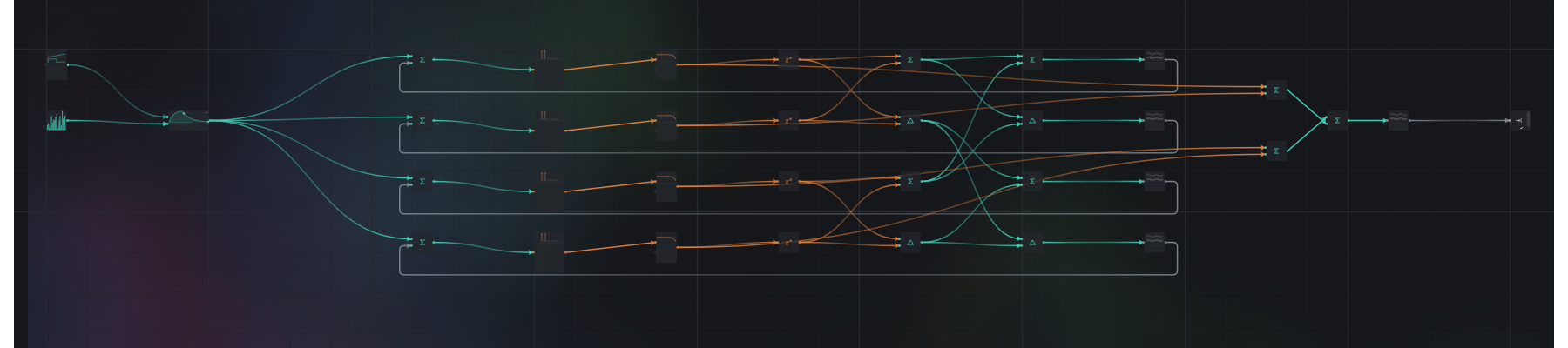
Patch cables, one knob per parameter, everything modulates everything. Something that makes a tone, something that shapes it, something that changes it over time — each is a block on the canvas, with a picture on it of what it does and a knob you can turn. Drag a cable from an LFO onto a cutoff knob and the knob grows an arc; dial the depth on the cable itself. Every knob is a port; modulation is just a cable.
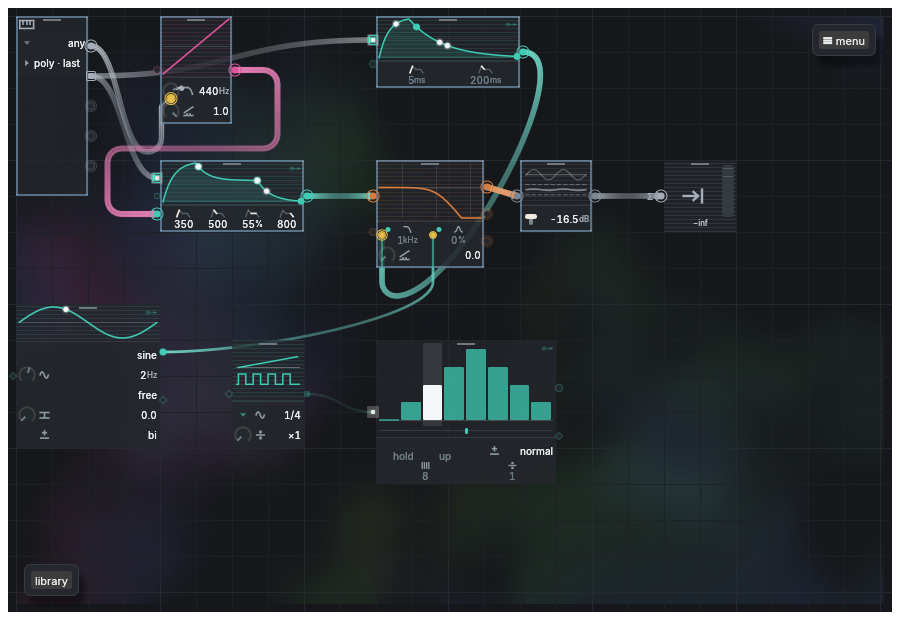
It runs standalone, clocks your modular over MIDI, and sits in your DAW as a plugin (CLAP, VST3, AU through the wrapper). Your patches are yours: plain files, a library you save into, presets your DAW can see. A hardware controller maps to any knob with one click. A step sequencer randomises with a key; a sample warps to the tempo with one click and a listen. Select a few blocks and fold them into one you can name, save, and drop into the next patch.
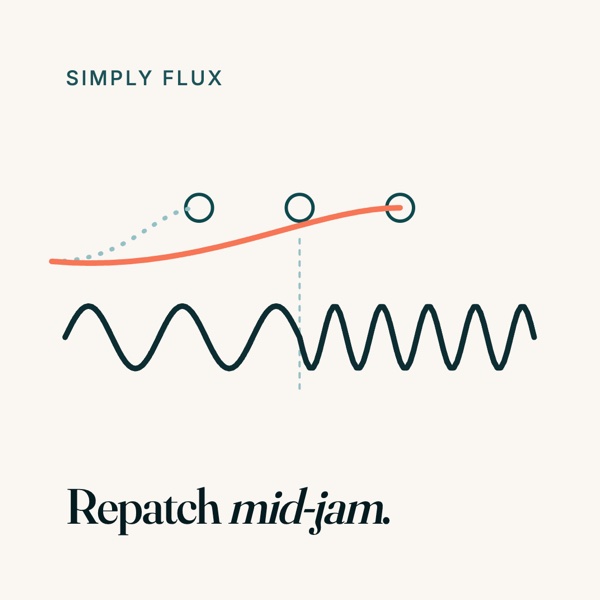
And the music never stops while the patch changes. Add a block, add a cable, rebuild half the graph — the new plan is swapped in between two audio blocks with every oscillator phase, filter memory, delay line and voice carried across.
It is readable, on purpose
Every block wears a picture of what it does; the status line names the socket you forgot; patches arrive laid out, not sprawled. There is no wrong cable: if a block can only make silence, a line at the bottom tells you which socket to connect. There is nothing to break: every change can be undone with one key. That is what makes it teachable — the patch is the explanation — and what makes it fast for someone who already knows.
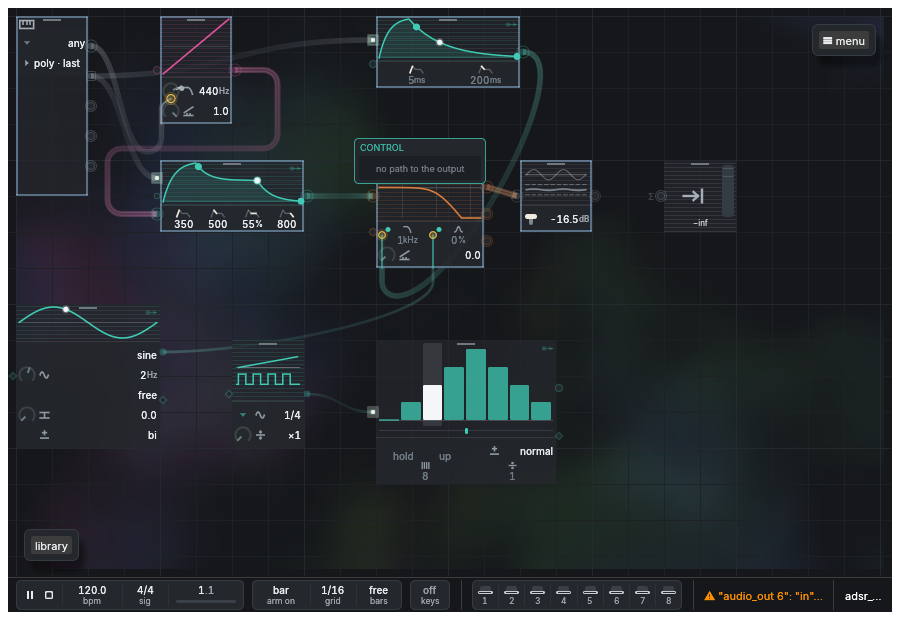
If you have never made a sound on a computer: after an afternoon you will have made things you like, and you will recognise the shapes — tone, shape, movement — in every synth you meet after this.
And an assistant that patches alongside you
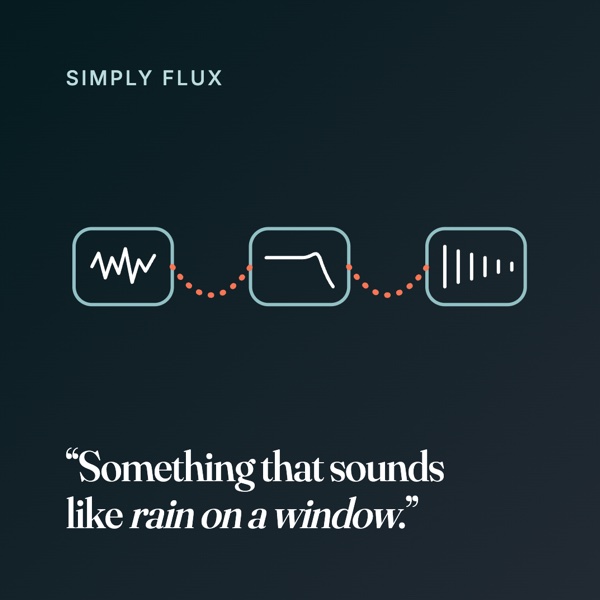
Ask for a sound in plain words — "a warm pad", "a kick that thumps", "something that sounds like rain on a window" — and it is built in front of you, on the same canvas, out of the same blocks. Say "make the filter breathe" and an LFO goes where an LFO goes. You keep your hands on the knobs; it does the wiring you would rather not. Ask "what does this block do?" and it tells you.
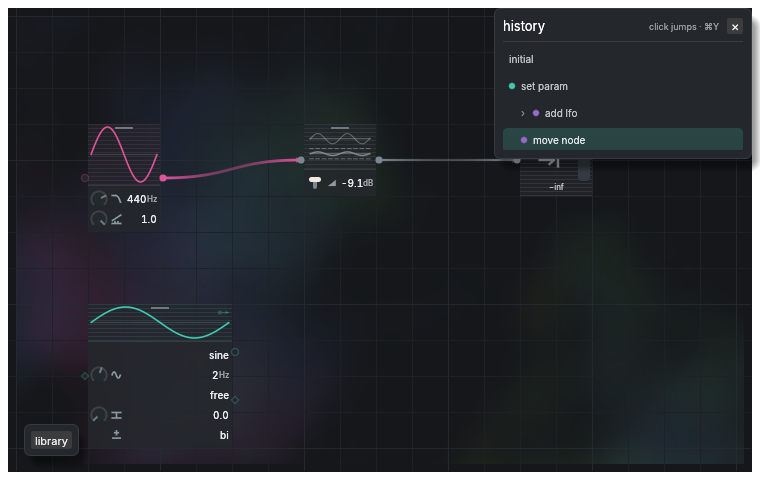
Same document, same history
Not a preset generator, not a chat window that hands you a file: it edits the canvas you are looking at, in your undo tree, both of you tagged. You undo it; it undoes you.
It can hear and see what it built
An offline render and a screenshot, so it iterates on a sound the way a person does — while the music keeps playing.
Any assistant, or none
The app opens an MCP door; Claude Code today, your own agent tomorrow. It bundles no model. Everything the assistant can do, you can do by hand.
For fellow nerds
- A modular synthesizer in the classic sense: nodes with typed ports (audio, control, phase, pitch, gate), cables with their own attenuverting depth, per-sample feedback islands so Karplus–Strong and feedback FM compile, polyphony inferred from the note terminals rather than declared.
- Written in Rust, every crate of it. The audio thread never allocates, never locks, never frees; a structural edit compiles a new plan off-thread and hot-swaps it between two blocks.
- Ships as CLAP and VST3 (AU through the VST3 wrapper) and as a standalone macOS app that hosts its own MCP server in-process. Any agent that speaks MCP — Claude Code, or your own — gets the same edit commands the UI emits.
- MIDI: learn on any knob, per-note expression, beat clock out to your rack.
- Files: a patch is JSON with its full edit history; the library is a folder; a subgrid is a patch you can name and reuse as a component.
What it is not
Not a DAW; it sits in yours. Not a sample library; it makes sounds, and can warp the samples you bring. Not a chatbot with a synth attached: a synth first, and the assistant is optional.
Download
- Where it is at
- Alpha, invite-only, macOS. Standalone and plugins ship.
- What you need
- A Mac, headphones, and an invite. The assistant is any AI you already use.
- Which AI
- Any agent that speaks MCP. The app does not bundle a model; it opens a door.
- Windows, Linux
- Not yet — the engine is portable, the shells are macOS first. The download page takes your name for either; the count decides which comes first.
Leave your email, type the six digits we mail you, and the .dmg is yours — with an invite code, should the build ask for one on first launch.
Tell Chris what you think
What worked, what did not, what you wished for.